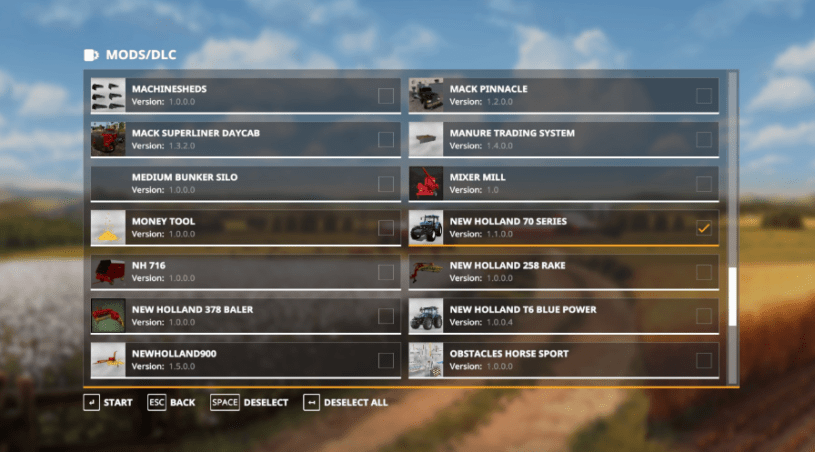
Downloading mods for Farming Simulator 19 on PC is a relatively easy task. The simplest way to explain it is that you download a file from a mod site, often the official Giants Software mod hub, and then you drag it from your downloads folder into your “mods” folder for the game. Here is it in more specific detail:
-Find the mod you want to download on a mod site (Note: In addition to the Farming Simulator Mod Hub, there are several third party sites you can use. However, be aware that some will have pop ups and annoying ads.
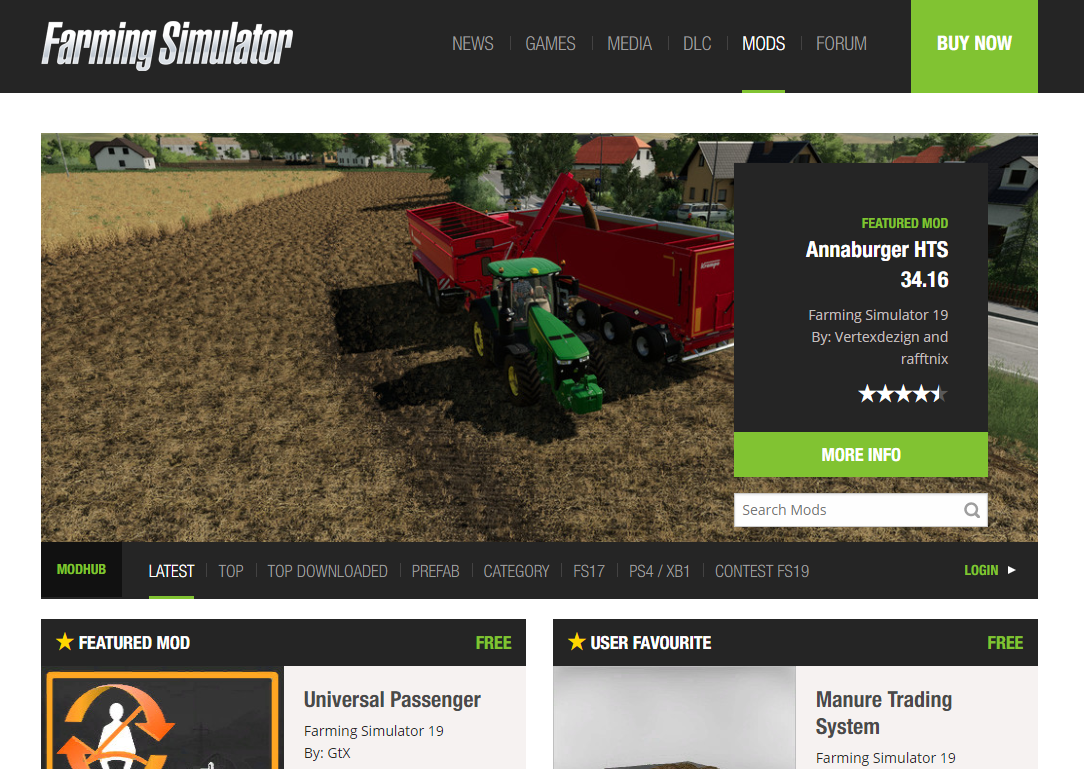
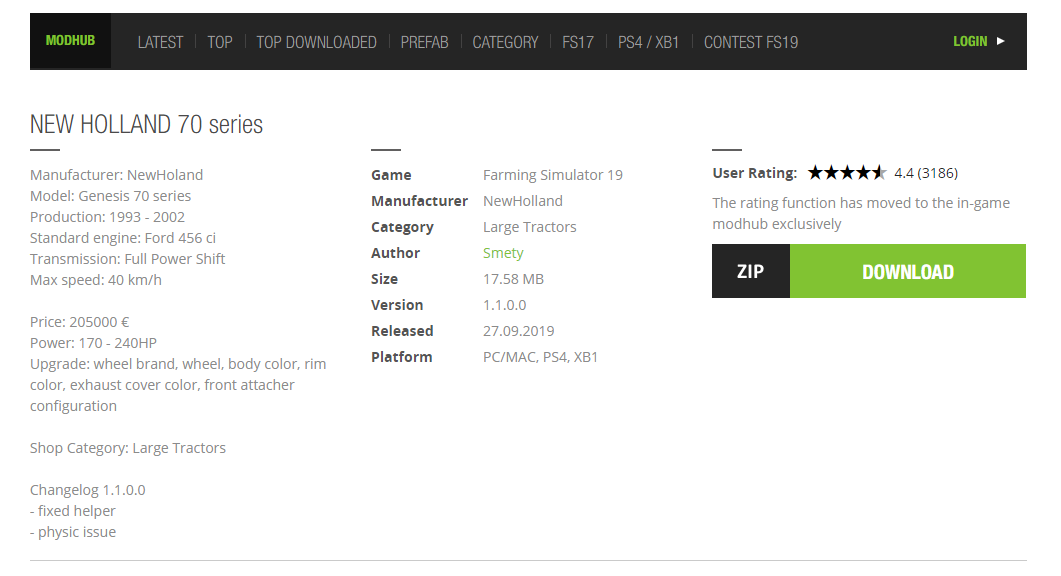
- Download the mod to your PC downloads folder

- Drag the folder while it is still ZIPPED into your “mods” folder. To get to the mod folder, go to “My Games” then “Farming Simulator 19” then there should be a subfolder called “mods.”


- Open the game and “select” the mod when you start a new save

- Enjoy your new mod in game!
If you enjoyed this Farming Simulator 19 content, consider dropping a follow on the website. Also, check out Bluebelly Gaming on YouTube, Twitch, and socials!
//z-na.amazon-adsystem.com/widgets/onejs?MarketPlace=US&adInstanceId=0650e039-1f4d-41f1-a1e7-1fc9d5de1ad1 bluebellygaming